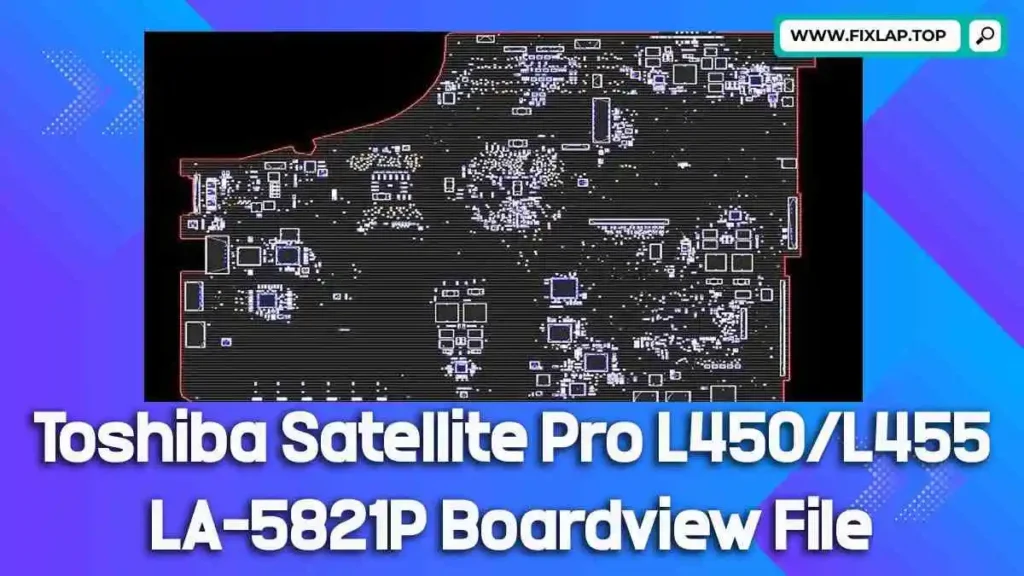
Download Toshiba Satellite Pro L450/L455 LA-5821P Boardview File Free
Is your Toshiba Satellite Pro L450 or L455 not powering on, showing display issues, or suffering from short circuits? Before replacing the entire motherboard, try diagnosing the issue using a boardview file. At FixLap, we offer free access to essential repair resources—including the Toshiba L450/L455 COMPAL LA-5821P Rev:1.0 boardview file—to help you repair and revive your laptop.
No registration required. No hidden costs. Just free tools for real repairs.
What is a Boardview File and Why It Matters?
A boardview file is a visual representation of a laptop’s motherboard, showing the physical location of all components, test points, and signal lines. It is often used alongside the schematic to make diagnosing faults faster and easier.
Common Boardview File Extensions:
.brd.bdv.fz.asc,.cad,.cst,.gr,.f2b
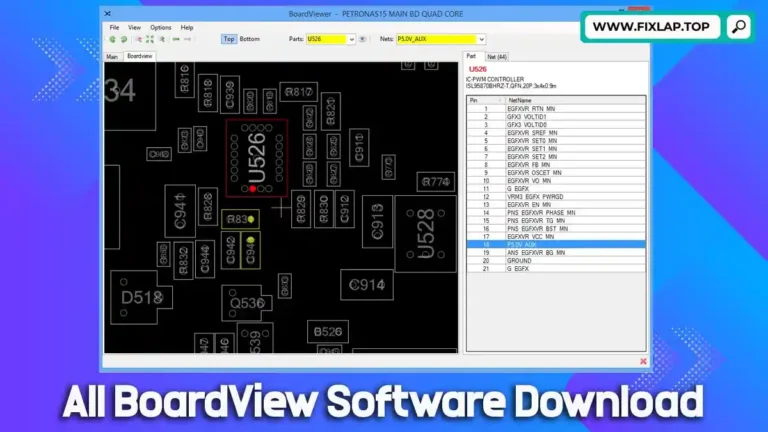
To view these files, you’ll need BoardViewer software such as:
- OpenBoardView (Free & Open Source)
- BVR
- Or any compatible viewer that supports multiple boardview formats
Benefits of Using Boardview Files for Laptop Repair
Troubleshooting modern motherboards without visual references is frustrating and time-consuming. With a boardview file, technicians can easily:
✅ Identify and Locate:
- ICs, resistors, capacitors, MOSFETs
- Voltage rails and test points
- Signal paths between components
✅ Diagnose Common Issues:
- Water damage
- Short circuits
- No power/no display faults
✅ Save Time and Money:
- Eliminate guesswork
- Avoid unnecessary motherboard replacements
- Support environmental sustainability by reducing e-waste
Whether you’re a professional technician or a DIY enthusiast, boardview files are essential tools for effective and efficient motherboard repair.
Download Toshiba Satellite Pro L450/L455 LA-5821P Boardview File
You can now download the Toshiba L450/L455 COMPAL LA-5821P Rev:1.0 boardview file instantly and for free.
📁 Model: Toshiba Satellite Pro L450/L455
🔧 Board Name: COMPAL LA-5821P Rev:1.0
📎 Download Link:
Click Here to Download the Boardview File
How to Use the Boardview File
1. Download the file from the link above.
2. Install a compatible BoardViewer software.
We recommend BoardView for best compatibility.
3. Open the file and locate faulty components.
Zoom, pan, and search for component references (like PQ601, PU401, etc.).
4. Perform testing or replacement based on boardview insights.
Tip: Combine the boardview with a matching schematic PDF for even faster troubleshooting!
Our Mission: Empower Repairs, Reduce Waste
At FixLap, our goal is to promote sustainability and reduce electronic waste by making repair resources freely available. Rather than discarding your laptop or buying expensive parts, try repairing it with the help of free boardview and schematic files.
We support:
- Technicians
- Engineering students
- Laptop repair businesses
- DIY laptop owners
🔗 Related Downloads You May Like
If you’re working on other laptop models, check out these helpful resources:
- 📘 Toshiba PT10S UMA MB REV:2.1 Boardview
- 💻 Dell Latitude E6540 LA-9411P Boardview File
- 🖥️ Dell Latitude E5450 ZAM70 LA-A901P Boardview File
Want more? Visit our full collection at FixLap.top.
Conclusion
Don’t let minor motherboard issues force you into major expenses. With the Toshiba Satellite Pro L450/L455 LA-5821P boardview file, you can analyze, repair, and restore your device the smart way.