Download Toshiba L640 L645 DA0TE2MB6F0 (TE2-MB-C) Boardview File Free
Repairing laptop motherboards can be a daunting task without the right tools. For technicians and electronics enthusiasts, having access to accurate boardview files is a game-changer. If you’re working on the Toshiba L640 or L645 with motherboard DA0TE2MB6F0 (TE2-MB-C), you’re in the right place. This guide not only provides a free download link to the boardview file but also explains what these files are and how they can significantly improve your repair workflow.
What is a Boardview File?
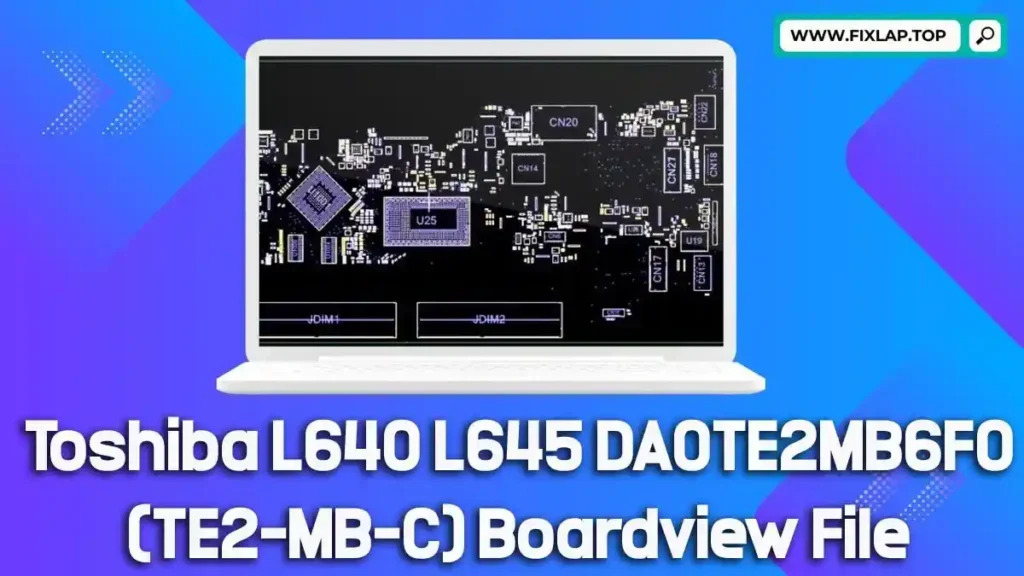
A boardview file is a digital blueprint of a circuit board, providing in-depth information about the layout, components, signals, and test points on the motherboard. These files are critical for identifying faulty elements, tracing damaged circuits, and repairing complex faults efficiently.
Common Boardview File Extensions
.brd.bdv.bv.asc.cad.cst.gr.f2b.fz
Why You Need BoardViewer Software
To open and analyze boardview files, you need a tool called BoardViewer. This lightweight, open-source software is designed specifically to handle various boardview file formats. With it, technicians can zoom in on specific sections of the board, locate test points, and verify connectivity across traces.
The Role of Schematics and Boardviews in Motherboard Repair
When repairing a water-damaged, shorted, or dead motherboard, time is critical. Without a schematic or boardview, you’re essentially working blind. These documents and files serve as technical maps that guide repair professionals in diagnosing and fixing motherboard issues.
Key Benefits:
- Pinpoint component locations with accuracy
- Trace signal paths for diagnosing faults
- Avoid unnecessary replacements
- Save time on complex repairs
- Contribute to sustainability by reducing e-waste
Toshiba L640 L645 DA0TE2MB6F0 (TE2-MB-C) Boardview File Free Download
We’re committed to supporting the global repair community by offering high-quality resources for free. You can now download the Toshiba L640 L645 DA0TE2MB6F0 (TE2-MB-C) boardview file—no login, no payment, just one click away.
✅ 100% free
✅ No registration required
✅ Secure Google Drive link
📥 Download Now:
👉 Click here to download the boardview file
How to Use the Boardview File
Once downloaded, follow these steps to get started:
- Install BoardViewer on your computer.
- Open the .brd or .bdv file using BoardViewer.
- Zoom and navigate to inspect component placement and connections.
- Use alongside a schematic PDF for cross-reference (if available).
- Diagnose and repair the board with precision.
Tools and Tips for Laptop Motherboard Repairs
Having the boardview file is just the beginning. Here’s a list of essential tools for motherboard repair:
- Digital Multimeter
- Hot Air Rework Station
- Soldering Iron with Fine Tips
- Microscope or Magnifier
- Thermal Camera (for advanced troubleshooting)
- BoardViewer software
- Schematic PDF file (if available)
Conclusion
Repairing motherboards like the Toshiba L640 or L645 DA0TE2MB6F0 (TE2-MB-C) doesn’t have to be difficult or costly. With access to free boardview files and tools like BoardViewer, you can diagnose faults faster, repair smarter, and avoid the cost and waste of replacing the entire board.
💬 Got questions or need help? Reach out via our contact page.