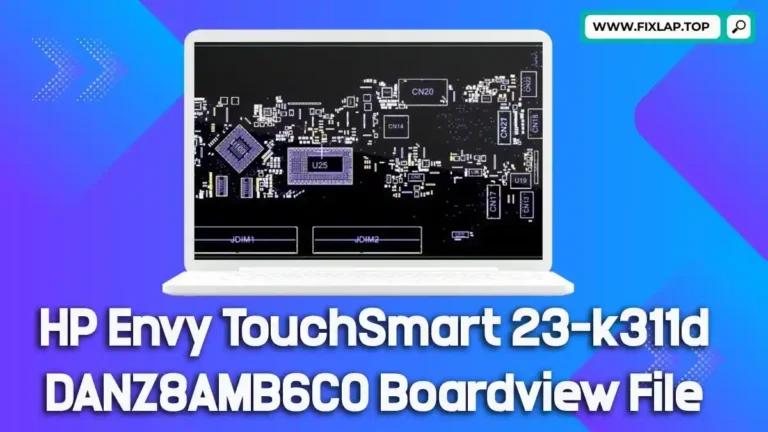
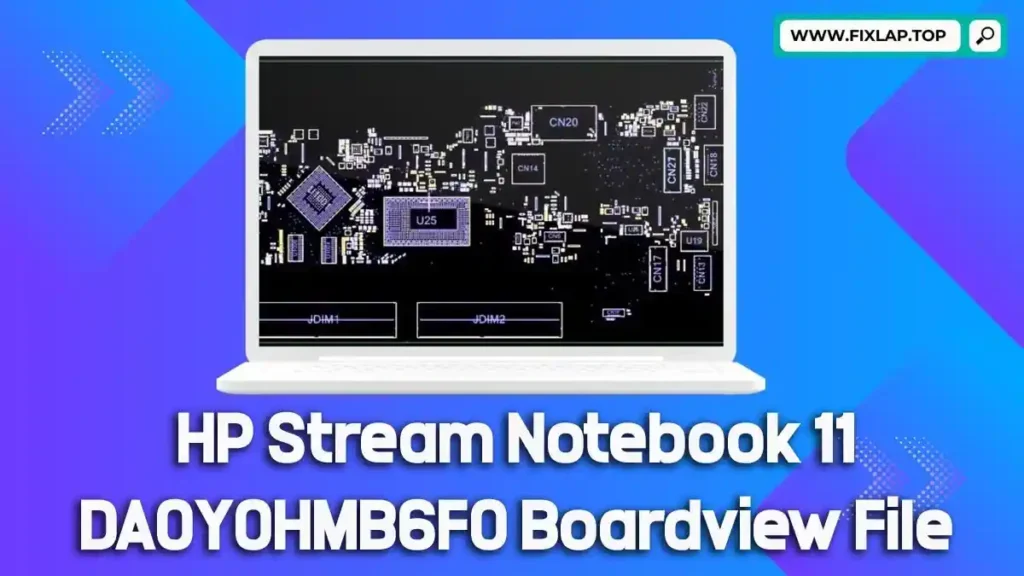
Download HP Stream Notebook 11 DA0Y0HMB6F0 Boardview File
Laptop repairs don’t have to be a guessing game—especially when you have access to essential tools like boardview files and schematics. If you’re working on an HP Stream Notebook 11 with the DA0Y0HMB6F0 motherboard, this article is your go-to guide. Here, you’ll find a free boardview file download, learn how it can streamline your repair process, and understand why open access to these files is crucial for reducing electronic waste.
What Is a Boardview File and Why Do You Need It?
Understanding Boardview Files
A boardview file is a digital blueprint of a laptop’s motherboard. It contains detailed data about:
- Component placements
- Signal lines and voltage rails
- Test points
- Part identifiers and net names
Common File Extensions
Boardview files may come in formats such as:
.brd,.bdv,.bv,.fz.asc,.cad,.cst,.gr,.f2b
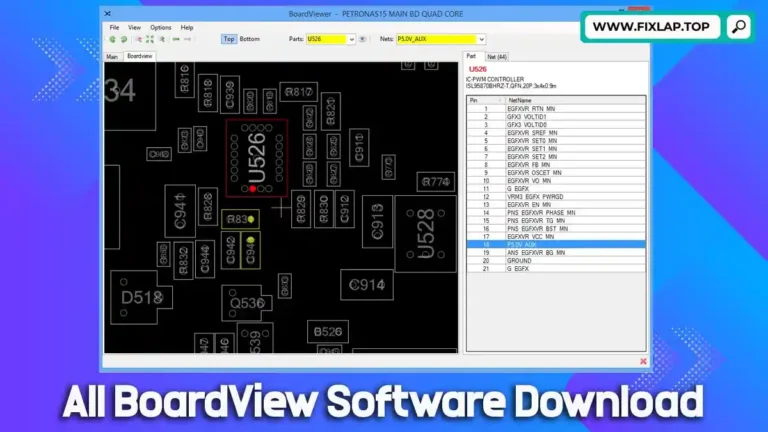
These files require compatible software like BoardViewer to open and analyze them effectively.
Benefits of Using Boardview and Schematic Files for Laptop Repair
Repairing a laptop without a boardview is like trying to fix a car engine blindfolded. Here’s why technicians around the world rely on them:
1. Accelerated Troubleshooting
- Quickly locate components and signal paths
- Identify faulty or water-damaged areas with precision
2. Enhanced Repair Accuracy
- Minimize guesswork
- Ensure correct diagnosis and avoid unnecessary part replacements
3. Time and Cost Savings
- Reduce repair times significantly
- Avoid replacing the entire motherboard unnecessarily
We’re committed to open-access repair information. At FixLap.top, we believe in making high-quality repair resources available to everyone—100% free and without registration.
Download Link
Click below to access your boardview file for the HP Stream Notebook 11:
How to Use the Boardview File
To get started, you’ll need BoardViewer software or any compatible tool that supports file types like .brd or .fz. Here’s a basic guide:
- Download the boardview file using the link above.
- Open the file in BoardViewer.
- Navigate the board layout and locate test points, components, or signals.
- Use alongside a schematic file (PDF) for a complete repair map.
At FixLap.top, we strongly believe that repairing is better than replacing. Every working laptop kept out of a landfill is a step toward a cleaner, more sustainable future. We provide schematics, boardviews, and BIOS files to support the growing global repair community.
By sharing these resources freely, we help:
- Extend the lifespan of laptops
- Support technicians and DIY repairers
- Reduce dependence on costly new hardware
Conclusion
The HP Stream Notebook 11 DA0Y0HMB6F0 boardview file is just one example of how access to the right tools can empower you to fix instead of replace. Whether you’re a repair professional or a tech-savvy enthusiast, having this file in your toolbox makes the difference.