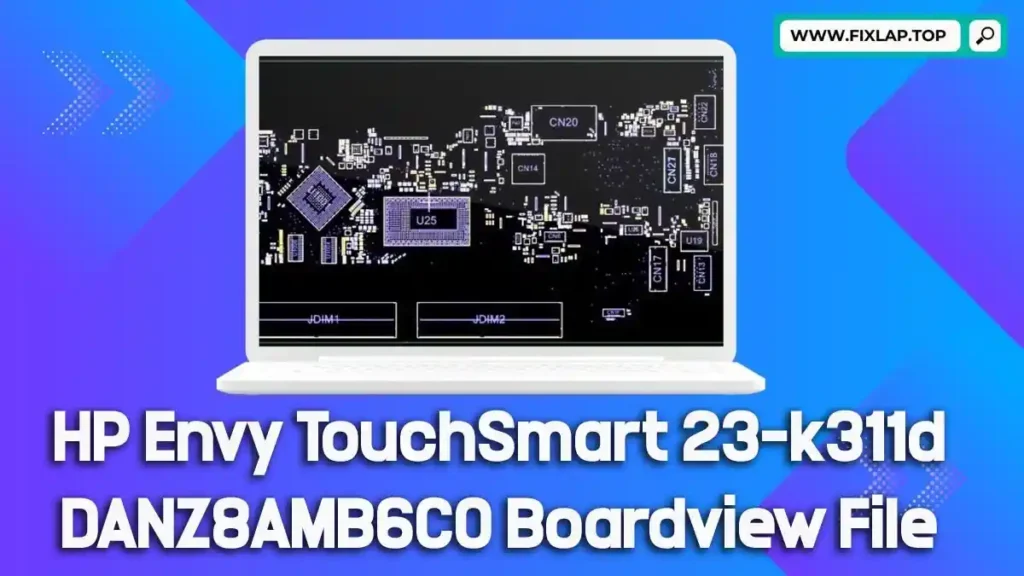
Download HP Envy TouchSmart 23-k311d DANZ8AMB6C0 Boardview File
Laptop and all-in-one PC repairs don’t have to be a guessing game—especially when you have access to essential tools like boardview files and schematics. If you’re working on an HP Envy TouchSmart 23-k311d with the DANZ8AMB6C0 motherboard, this article is your go-to guide. Here, you’ll find a free boardview file download, learn how it can streamline your repair process, and understand why open access to these files is crucial for reducing electronic waste.
What Is a Boardview File and Why Do You Need It?
Understanding Boardview Files
A boardview file is a digital blueprint of a motherboard. It contains detailed data about:
- Component placements
- Signal lines and voltage rails
- Test points
- Part identifiers and net names
Common File Extensions
Boardview files may come in formats such as:
.brd,.bdv,.bv,.fz.asc,.cad,.cst,.gr,.f2b
These files require compatible software like BoardViewer to open and analyze them effectively.
Benefits of Using Boardview and Schematic Files for Repair
Repairing a device without a boardview is like trying to fix a car engine blindfolded. Here’s why technicians around the world rely on them:
1. Accelerated Troubleshooting
- Quickly locate components and signal paths
- Identify faulty or water-damaged areas with precision
2. Enhanced Repair Accuracy
- Minimize guesswork
- Ensure correct diagnosis and avoid unnecessary part replacements
3. Time and Cost Savings
- Reduce repair times significantly
- Avoid replacing the entire motherboard unnecessarily
We’re committed to open-access repair information. At FixLap.top, we believe in making high-quality repair resources available to everyone—100% free and without registration.
Download Link
Click below to access your boardview file for the HP Envy TouchSmart 23-k311d:
How to Use the Boardview File
To get started, you’ll need BoardViewer or any compatible tool that supports file types like .brd or .fz. Here’s a basic guide:
- Download the boardview file using the link above.
- Open the file in BoardViewer.
- Navigate the board layout and locate test points, components, or signals.
- Use alongside a schematic file (PDF) for a complete repair map.
At FixLap.top, we strongly believe that repairing is better than replacing. Every working laptop or PC kept out of a landfill is a step toward a cleaner, more sustainable future. We provide schematics, boardviews, and BIOS files to support the growing global repair community.
By sharing these resources freely, we help:
- Extend the lifespan of electronics
- Support technicians and DIY repairers
- Reduce dependence on costly new hardware
Conclusion
The HP Envy TouchSmart 23-k311d DANZ8AMB6C0 boardview file is just one example of how access to the right tools can empower you to fix instead of replace. Whether you’re a repair professional or a tech-savvy enthusiast, having this file in your toolbox makes a real difference.