Download Dell Latitude E5450 ZAM70 LA-A901P Boardview File Free
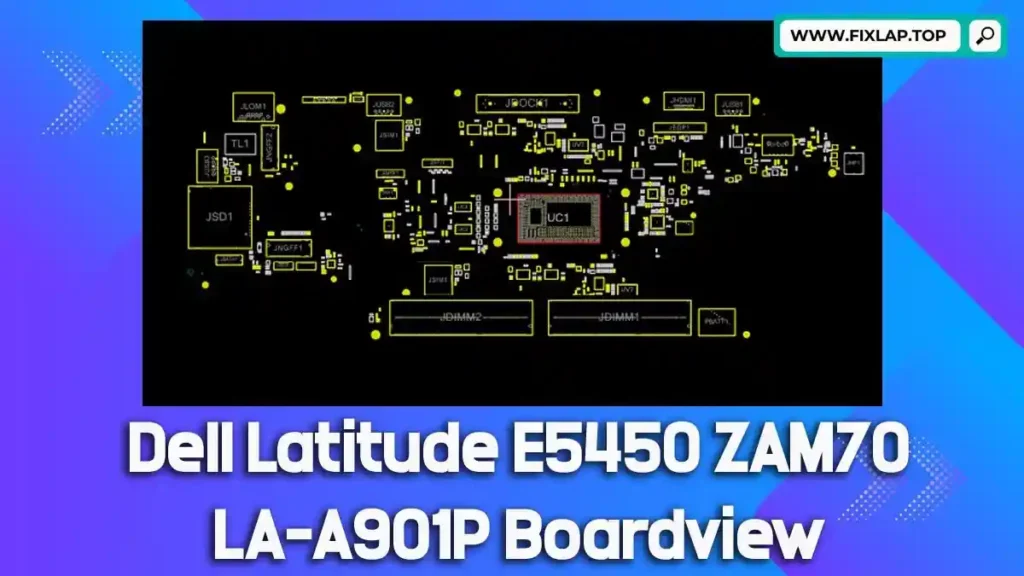
If you’re working on repairing a Dell Latitude E5450 and need a detailed map of its motherboard, we’ve got you covered. The Dell Latitude E5450 ZAM70 LA-A901P boardview file is now available for free download. At FixLap, we believe in reviving technology and reducing electronic waste. Our goal is to provide repair professionals and enthusiasts with the resources they need to get the job done, without the cost of expensive parts or equipment. This article provides you with the information you need about boardview files, why they’re important, and how to use them effectively in your repairs.
What Is a Boardview File?
A boardview file is an essential tool for anyone working on motherboard repairs. It serves as a detailed blueprint of a printed circuit board (PCB), providing key insights into:
- Component locations
- Signal pathways
- Test points
- Trace routing
These files help technicians quickly locate components, trace electrical connections, and identify faults on the motherboard. When working with devices like laptops, schematics and boardview files are crucial for identifying the root cause of failures and ensuring effective repairs.
Common Boardview File Formats
Boardview files come in various formats, including:
.brd.bdv.fz.asc.cad.cst.gr.f2b
Each format serves as a detailed map of the motherboard, and you need specialized software to view and interpret them. These files provide the technical layout, including signals, power planes, and test points, which are essential for diagnosing issues with precision.
What Is BoardViewer?
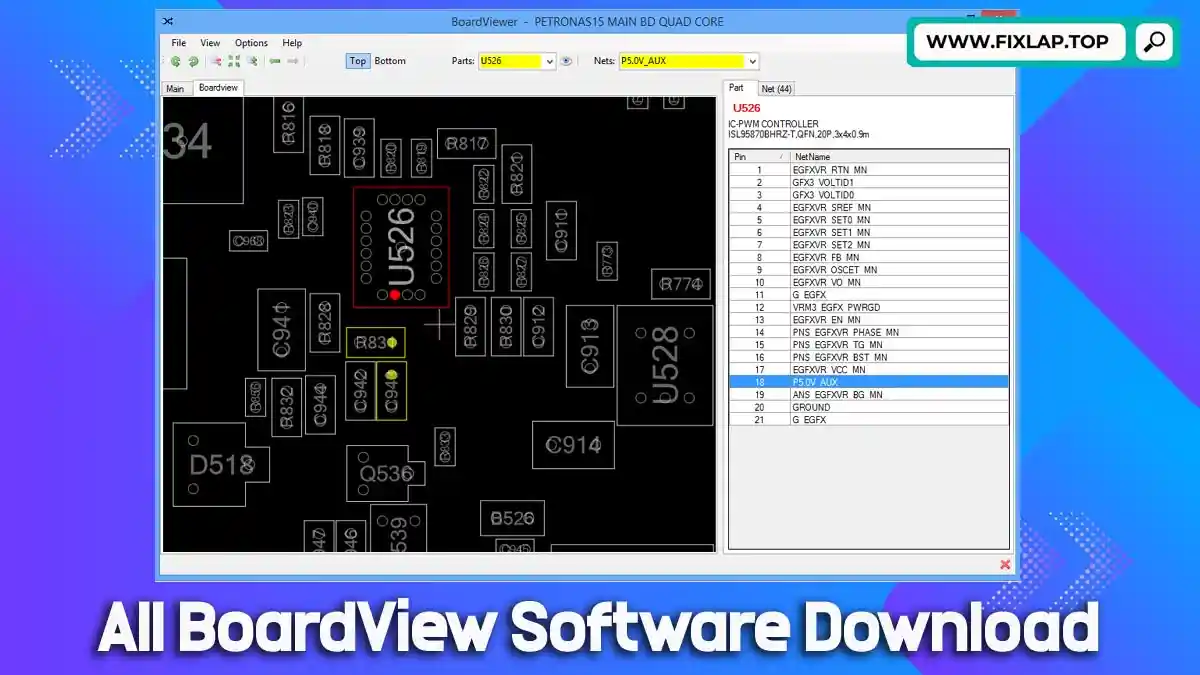
BoardViewer is a free and open-source software that allows you to open and view different types of boardview files. It is specifically designed to help you navigate through boardview files and inspect the layout of various components on the motherboard. BoardViewer makes it easy to:
- View detailed schematics of each component
- Zoom in on specific areas for inspection
- Identify test points and signal paths
- Use in conjunction with other diagnostic tools
Without BoardViewer, it would be difficult to visualize complex motherboard layouts, especially when working with files in formats like .brd or .bdv.
🔗 Download BoardViewer here: BoardViewer
Why Are Boardview and Schematic Files Essential for Laptop Repair?
When you’re repairing a water-damaged or faulty motherboard, having access to the correct boardview and schematic files is vital. Without these files, identifying the problem becomes a cumbersome process that can lead to unnecessary replacements and repairs.
Key Benefits of Boardview Files for Repair Technicians:
- Save time by locating faulty components quickly
- Trace signals and paths to identify issues
- Minimize repair costs by fixing instead of replacing parts
- Accurately test components using built-in test points
- Ensure high-quality repairs with less guesswork
With the right tools and files, technicians can streamline their workflow, making repairs faster, more efficient, and more cost-effective.
Download Dell Latitude E5450 ZAM70 LA-A901P Boardview File Free
We offer the Dell Latitude E5450 ZAM70 LA-A901P boardview file for free download, providing you with the essential resources to troubleshoot and repair your laptop’s motherboard effectively. No registration, no hidden fees—just the tools you need, immediately available.
📥 Click to Download:
👉 Download Dell Latitude E5450 Boardview File
How to Use the Boardview File
Once you’ve downloaded the boardview file, follow these steps to get started:
- Download and Install BoardViewer Software
- Open the Boardview file using BoardViewer
- Navigate through the layout to find the components or connections you’re working on
- Zoom in for details such as test points and signals
- Cross-reference with the schematic (if available) for a complete view of the motherboard’s design
- Use the data to troubleshoot or repair the motherboard effectively
Recommended Tools for Laptop Motherboard Repair
Alongside the boardview file, here’s a list of essential tools you’ll need for efficient motherboard repair:
- Digital Multimeter: To measure voltage, current, and resistance
- Soldering Station: For replacing faulty components
- Hot Air Rework Station: For reflowing solder and removing chips
- Magnifying Lamp or Microscope: For detailed component inspection
- Thermal Camera: To detect overheating or short circuits
- BoardViewer Software: To open boardview files
- Schematic (PDF): To complement the boardview file
FixLap – Supporting Sustainable Tech Repairs
At FixLap, we are dedicated to offering a sustainable approach to tech repairs by providing free access to critical repair resources. Our mission is to reduce e-waste by empowering technicians and DIY repair enthusiasts with the tools they need to fix laptops and desktops rather than throwing them away.
Our Offerings Include:
- Free boardview and schematic downloads
- Easy access with no account or payment required
- Regularly updated files for a wide range of laptop and desktop models
Visit us at fixlap.top to access our full library of repair files.
Conclusion
If you’re working on the Dell Latitude E5450 ZAM70 LA-A901P motherboard, this boardview file is an invaluable tool in your repair kit. Download it for free today and make your repair process faster and more accurate.
For more repair resources and boardview files, visit our platform at fixlap.top. Repair your laptop efficiently, save money, and contribute to reducing e-waste.