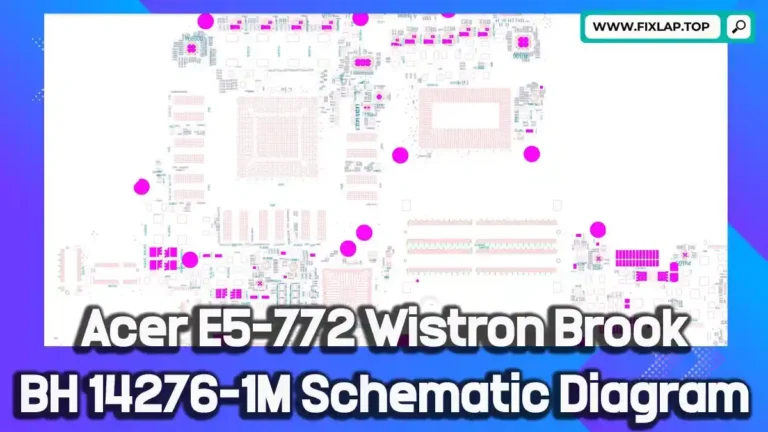
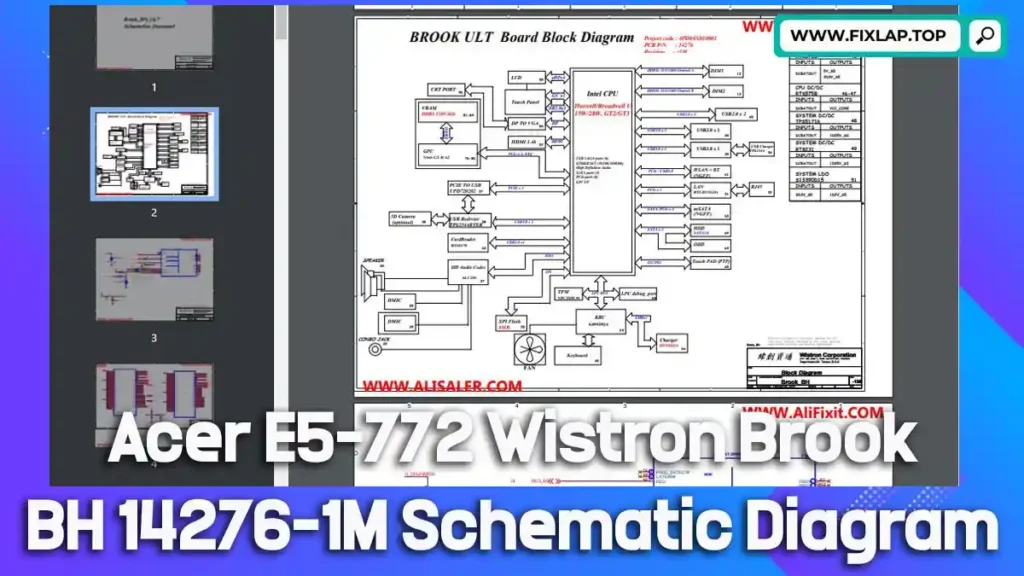
Download Acer E5-772 Wistron Brook BH 14276-1M Schematic Diagram PDF Free
Looking to repair your Acer E5-772 laptop or troubleshoot its motherboard? One of the most powerful tools in a technician’s toolkit is a schematic diagram—especially when dealing with intricate laptop circuitry. In this article, we’re providing a free download of the Acer E5-772 Wistron Brook BH 14276-1M schematic diagram PDF, with no registration required. Whether you’re a repair technician, student, or electronics enthusiast, this schematic can help you diagnose and fix issues faster and more accurately.
Why Schematic Diagrams Are Crucial for Laptop Repairs
What Is a Schematic Diagram?
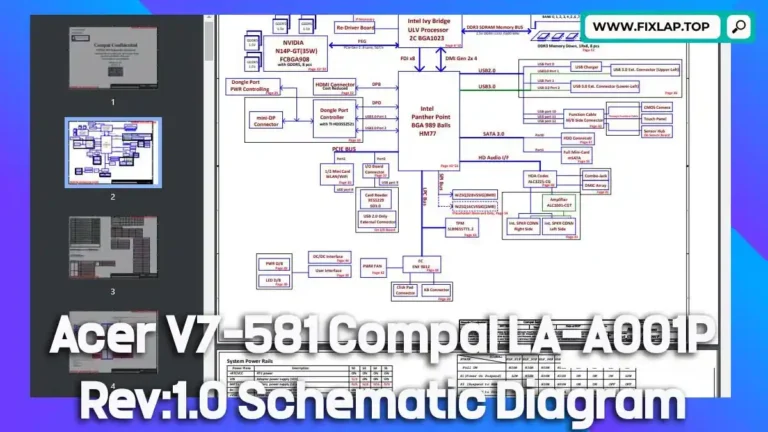
A schematic diagram is a technical drawing that represents the electrical structure of a circuit. Instead of showing where each component is physically located, it illustrates how each one connects electrically. This includes:
- Component symbols (capacitors, resistors, transistors, etc.)
- Interconnections and signal paths
- Power distribution and grounding
- Voltage rails and functional blocks
Benefits of Using Schematic Diagrams in Repairs
- 🔍 Quick Fault Detection: Easily locate shorts, open circuits, and faulty components.
- 💡 Understand Circuit Behavior: Visualize how signals move and interact.
- 🛠️ Efficient Component Replacement: Identify correct values and configurations.
- 🔄 Facilitate Upgrades and Mods: Use schematics for advanced customization or board-level enhancements.
Download the Acer E5-772 Schematic Diagram (PDF)
We’re proud to support the global repair community by offering this resource absolutely free—no login, no fees, just access to the tools you need.
File Format: PDF
File Size: Approx. 5–15 MB
Compatibility: All standard PDF readers
👉 Download Acer E5-772 Wistron Brook BH 14276-1M Schematic Diagram
How to Read and Use the Schematic Effectively
Step-by-Step Usage Guide:
- Open the file in a PDF viewer with zoom functionality.
- Familiarize yourself with the symbols and naming conventions.
- Use the search tool to locate component IDs (e.g., PU401, Q305).
- Trace signals and power lines across the pages.
- Cross-reference with boardview files if available.
Recommended Tools for Repairing with Schematics:
- Multimeter
- Schematic viewer software (like Foxit, Adobe Reader)
- Soldering station
- Hot air rework tool
- BIOS programmer (optional)
Conclusion
The Acer E5-772 Wistron Brook BH 14276-1M schematic diagram is an essential document for anyone repairing or studying this laptop’s motherboard. It simplifies complex circuit paths, reduces repair time, and increases the success rate of hardware fixes. By making this schematic freely available, we hope to support a growing community of skilled repairers and help reduce the global e-waste crisis.