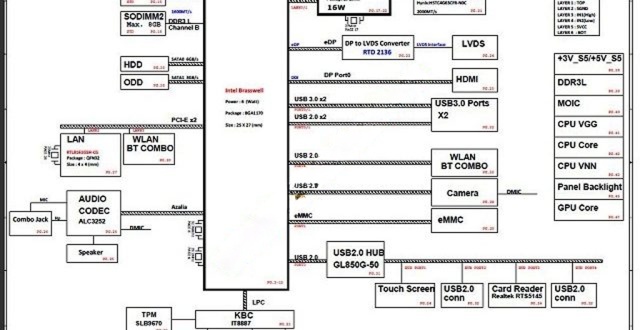
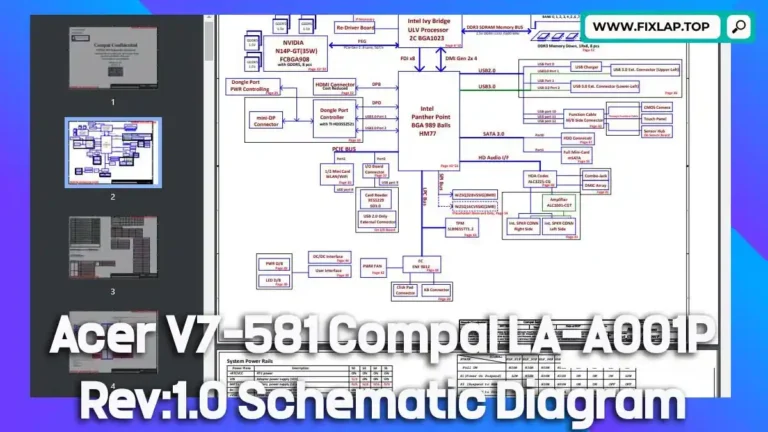
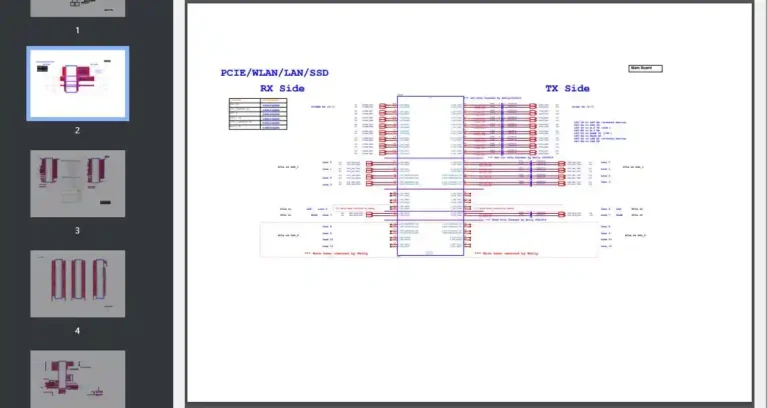
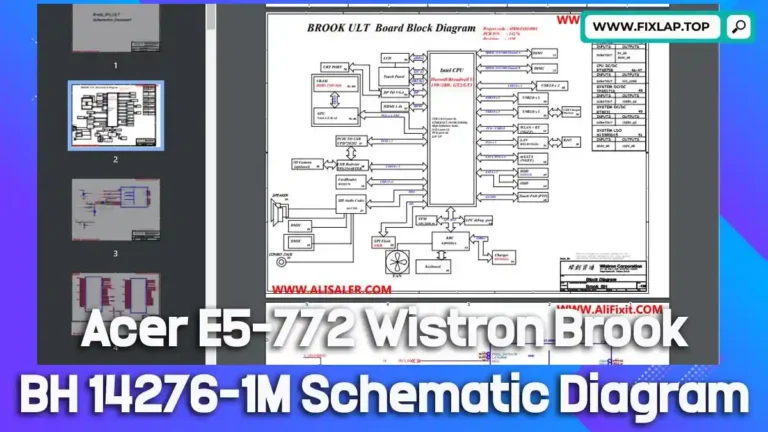
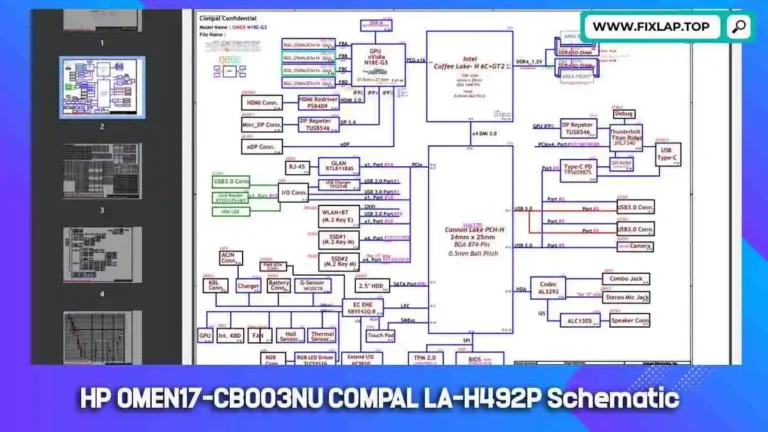
Download Dell Alienware 17 LA-D751P TOP BOTTOM Schematic Diagram PDF Free
Is your Dell Alienware 17 R4 laptop giving you trouble at the motherboard level? Having access to the LA-D751P Rev 1.0 TOP and BOTTOM schematic diagram can make diagnosing and repairing issues much faster and more effective. On our platform, you can download this high-quality schematic PDF for free, without needing to register or pay. Whether you’re a technician, engineer, or DIY enthusiast, this document is an invaluable tool for getting your device back up and running.

What Is a Schematic Diagram and Why Is It Useful?
Understanding Schematic Diagrams
A schematic diagram is a graphical representation of an electrical or electronic circuit. It shows how components are connected through symbols, lines, and standard notations. These diagrams are not about physical placement but rather the logical relationships and signal paths within the device.
Why Technicians Rely on Schematics
- 🔍 Identify component issues with precision
- ⚡ Trace power and signal lines quickly
- 🧰 Avoid trial-and-error replacements
- ⏱️ Speed up the repair process
- 📘 Learn more about motherboard structure and flow
Schematic diagrams are indispensable in laptop motherboard repairs, especially for advanced systems like the Dell Alienware 17 R4.
Download Dell Alienware 17 R4 LA-D751P Schematic Diagram PDF Free
We are dedicated to promoting the Right to Repair and reducing e-waste. As part of that mission, we offer free schematics like this one to help users repair rather than replace their devices.
✅ Click below to download the schematic:
- File Type: PDF
- File Includes: Top and Bottom layers
- Access: 100% Free, No Registration Required
- Usage: For repair, diagnostics, and educational purposes
👉 Download Dell Alienware 17 R4 LA-D751P TOP BOTTOM PDF
How to Use the Schematic for Effective Troubleshooting
Repair Process Using Schematics
- Open the schematic file in a PDF reader with search capability.
- Locate faulty components using reference designators (e.g., PU101, Q402, R109).
- Trace power rails and signal lines from the source to the load.
- Compare schematic data with real board conditions.
- Use a multimeter or oscilloscope to test points and confirm issues.
Essential Repair Tools:
- Digital Multimeter
- Hot Air Rework Station
- Precision Soldering Iron
- Microscope for SMD work
- BIOS Programmer (if needed)
Conclusion
The Dell Alienware 17 R4 LA-D751P schematic diagram PDF (TOP & BOTTOM) is a critical resource for anyone involved in laptop diagnostics or motherboard-level repairs. With free, instant access, you can begin fixing power faults, signal issues, or component failures today.
💬 Got questions or need help? Reach out via our contact page.