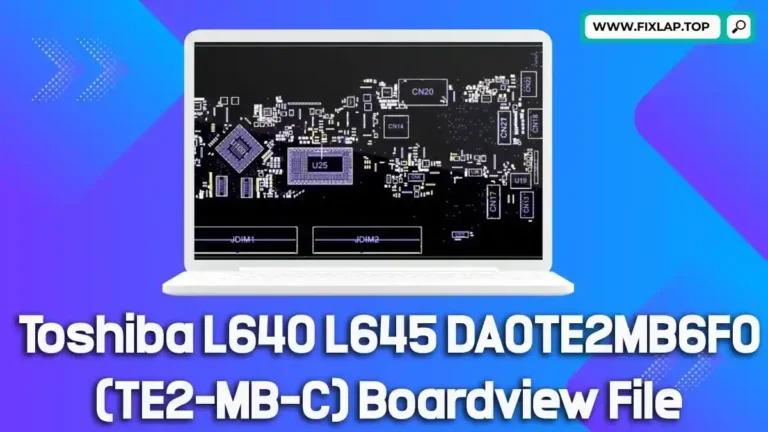
Download Toshiba L10W-C2019 PSKV7V MA30 MAIN Boardview File Free
If you’re struggling with a malfunctioning Toshiba L10W-C2019 laptop, you’re not alone. Finding quality boardview files for repair work can be difficult and expensive. That’s why we’re making the Toshiba L10W-C2019 PSKV7V MA30 MAIN boardview file available for free download—no registration, no paywalls. Whether you’re a professional technician or a DIY enthusiast, having access to this file can make the difference between a successful repair and an expensive replacement.
What is a Boardview File and Why Do You Need It?
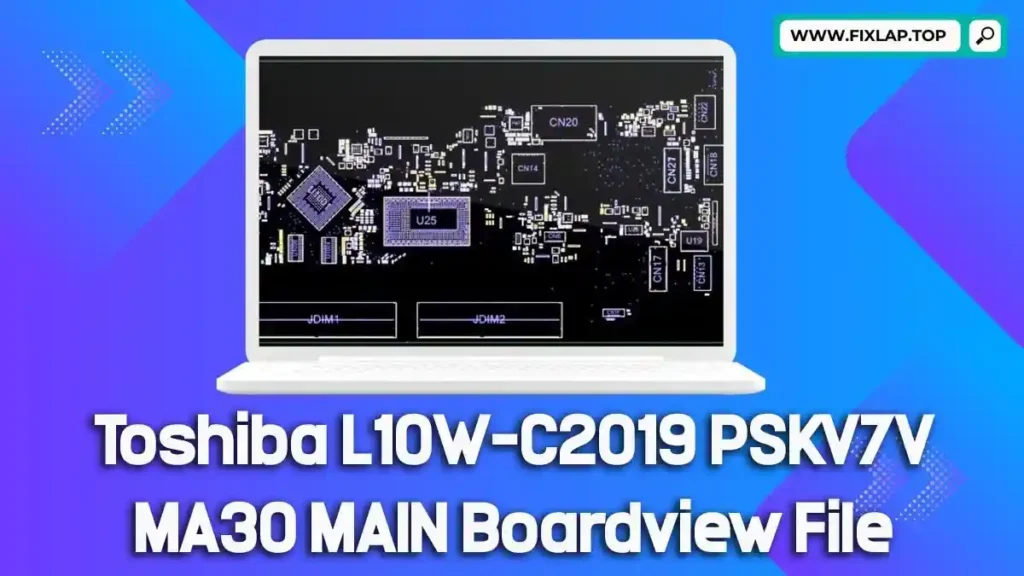
A boardview file is a detailed digital representation of a motherboard’s layout. These files are essential tools for diagnosing and repairing electronics, especially when schematics alone don’t offer enough insight.
Key File Extensions You May Encounter
.brd.bdv.bv.asc.cad.cst.gr.f2b.fz
What You Can See in a Boardview File:
- Circuit paths
- Component placements
- Signal lines
- Test points
- Connectors and part labels
To view these files, you’ll need BoardViewer—a lightweight software that opens and displays boardview data effectively.
Why Boardview and Schematic Files Are Crucial for Repairs
Repairing motherboards without the proper documentation is like fixing a car without a blueprint. Schematics and boardview files provide a roadmap for the components and electrical pathways of a motherboard, making troubleshooting faster and more accurate.
Benefits for Technicians:
- Faster diagnosis of hardware issues
- Identification of components without physical guesswork
- Simplifies repairs of water-damaged or burnt sections
- Prevents unnecessary replacements of expensive parts
- Reduces e-waste by enabling more successful repairs
Toshiba L10W-C2019 PSKV7V MA30 MAIN Boardview File Download
We are committed to supporting the repair community and promoting sustainability by sharing resources that extend the life of electronics. That’s why we offer the Toshiba L10W-C2019 PSKV7V MA30 MAIN boardview file completely free.
✅ No registration required
✅ Direct download
✅ 100% safe and secure
🔽 Download Link:
👉 Click here to download the boardview file
How to Use the Boardview File
- Download and install BoardViewer software.
- Open the downloaded file using the software.
- Navigate through the layout to locate faulty components or traces.
- Compare with a schematic PDF (if available) for cross-reference.
Conclusion
Whether you’re repairing a personal device or running a repair shop, having access to quality resources like boardview files makes a huge difference. Don’t let a faulty motherboard go to waste. Download the Toshiba L10W-C2019 PSKV7V MA30 MAIN boardview file now and bring your device back to life.
📥 Download the file today and start fixing smarter!
💬 Got questions or need help? Reach out via our contact page.