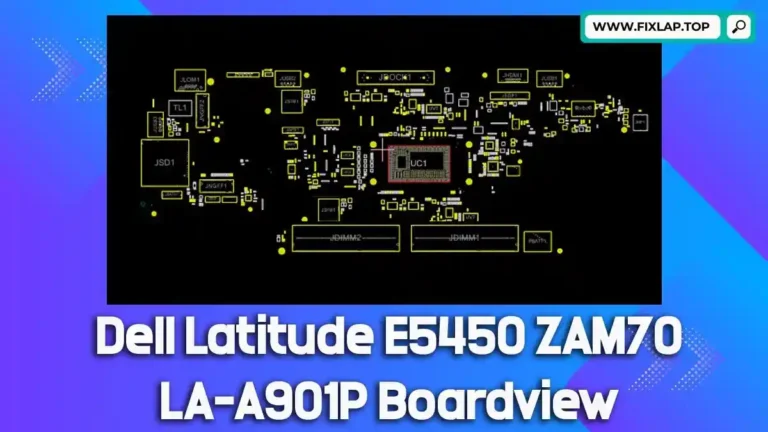
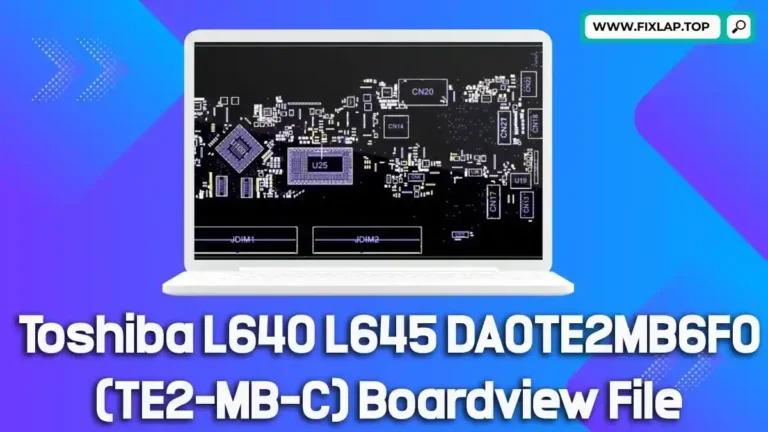
BoardView Software Download (Latest Version) for Viewing All BoardView File Types
If you’re working in electronics repair or PCB diagnostics, you’ve likely encountered boardview files — essential blueprints of printed circuit boards. Unfortunately, the industry lacks a standardized format, which makes accessing these files a challenge. Fortunately, BoardViewe is a free, lightweight, and versatile solution built to handle a wide range of boardview file types.
What is BoardViewe?
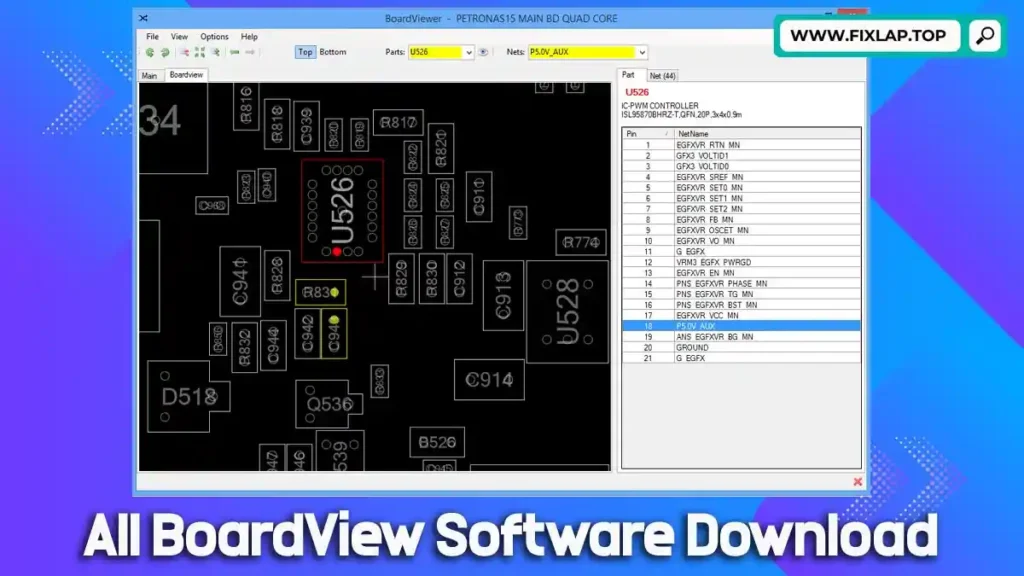
BoardView is a specialized software application designed to open and display various boardview files — schematic diagrams of PCBs (Printed Circuit Boards) used in laptops, motherboards, graphics cards, and other electronics. These files include critical layout information such as components, signal paths, test points, and voltages.
Boardview files come in many extensions like .asc, .bdv, .brd, .bv, .cad, .cst, .gr, .f2b, .fz, .tvw, and more. Each file type typically originates from a different OEM or diagnostic platform, which complicates compatibility across devices and tools.
BoardViewer solves this issue by supporting almost all major boardview formats in a single, easy-to-use application.
Key Features of BoardViewer
- Multi-Format Compatibility: Supports formats such as
.brd,.cad,.fz,.bdv,.asc, and more. - Detailed Component Info: Hover over components to view signal names, voltages, and pin data.
- Intuitive Navigation: Zoom, pan, rotate, and mirror the PCB layout for thorough analysis.
- Element Highlighting: Clicking a component highlights similar parts for quick identification.
- Top/Bottom View Switching: Explore both sides of the board layout in one interface.
- Search Functionality: Find components by name or code with ease.
These features make BoardViewer an indispensable tool for technicians, engineers, and electronics enthusiasts.
Download BoardView Software (All Tools)
| Format | Name | Download Link |
|---|---|---|
| .CAD | BoardView 2.0.1.9 (CAD, TZ, and BRD) | Download |
| .ASC | ASUS Board Viewer TSICT | Download |
| .BDV | BoardViewer HONHAN (.BDV) | Download |
| .BRD | TopTest BoardView R3 | Download |
| .BRD | TopTest BoardView R4 | Download |
| .BRD | LANDREX TEST LINK (New) ver:2.www | Download |
| .BRD | OPEN BOARD Viewer R7.3 | Download |
| .BRD | OpenBoard Viewer | Download |
| .BRD | OpenBoardView-0.4.0-win32 | Download |
| .BRD | Allegro Free Physical Viewer Ver:15.7 | Download |
| .F2B | Unisoft ProntoPLACE (.F2B Board View) | Download |
| .GR | BoardView R5.0 (GR) | Download |
| .CST | IBM Lenovo Card Analysis Support Tool ver:3.32 | Download |
| .TVW | Tebo ICTView Ver:3.0 | Download |
| .TVW | TeboView (.TVW) Ver:4.0 | Download |
| .FZ | PCB Repair Tool (Use CTRL+F10/F11) | Download |
| .ASC | BoardViewer 2.1.0.8 (All Extensions) | Download |
| .BRD | BoardView 1.2.0.0 (Win 10/8/7/XP) | Download |
| DWG | DWG TrueView 2022 DWG, DWF and DXF | Download |
| .SVG | IrfanView 4.57 | Download |
| .BDV | HONHAN BDV BoardViewer | Download |
| .CAD | Samsung .cad boardviewer | Download |
| .PCB | PADS 9.5.1 PCB viewer for Apple iPhone/iPad | Download |
| .FAV | GIGABYTE eM-Test Expert V8.G.2 | Download |
| .FAZ | GIGABYTE eM-Test Expert V8.G.2 | Download |
| .POS | PanelTW VER.1.1.4.1 – MITAC .POS boardview | Download |
| .TVW | Tebo ICTView Ver:3.0 | Download |
Notes: Some tools (like PCB Repair Tool) require specific key combinations (Ctrl+F10/F11) to open files. If you encounter Error 203, restart the application.
System Requirements
- OS: Windows XP or later
- Microsoft .NET Framework 4+ (Required)
- DirectX 10+ (Recommended for better rendering)
How BoardViewer Software Works
- Open a BoardView File – Load .brd, .cad, .fz, or other supported formats.
- Navigate the PCB Layout – View top and bottom layers, rotate, and mirror the board.
- Inspect Components – Click on any element to see detailed signal and voltage info.
- Search & Highlight – Find specific parts quickly with the search tool.
Conclusion
Understanding PCB layouts is critical for modern electronics repair, and BoardViewer makes it easy and accessible. With support for a wide range of file formats, low system requirements, and detailed component data, it’s the ideal tool for professionals and enthusiasts alike.