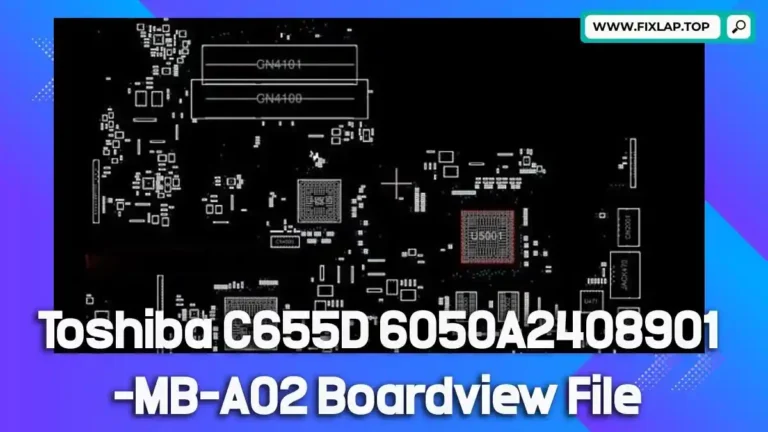
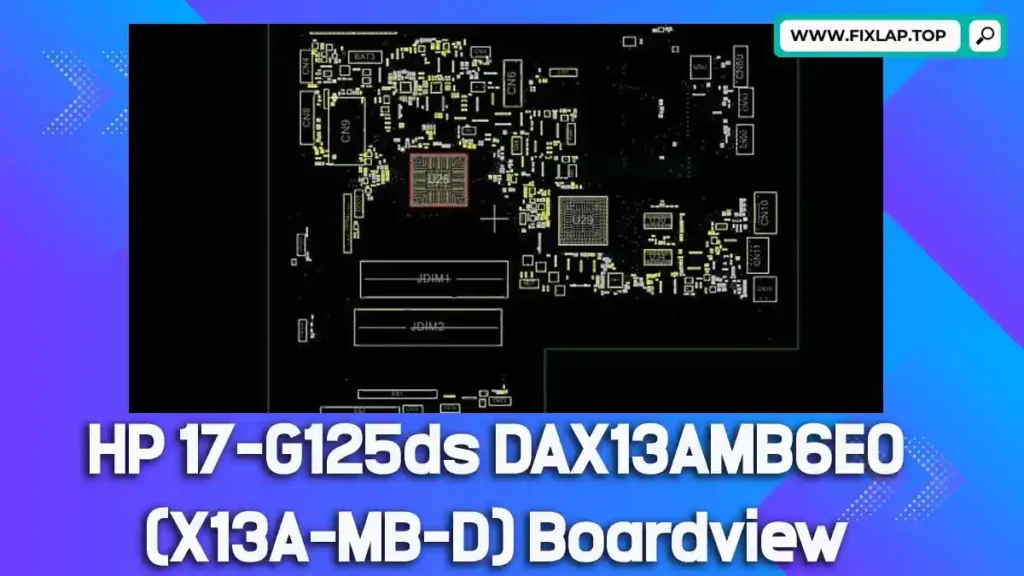
Download HP 17-G125ds DAX13AMB6E0 (X13A-MB-D) Boardview File Free
In the ever-evolving world of electronics repair, having the right resources can mean the difference between a successful fix and an expensive replacement. If you’re looking to download HP 17-G125ds DAX13AMB6E0 (X13A-MB-D) boardview file free, you’re in the right place. We’re committed to reducing electronic waste and supporting independent repair technicians by providing high-quality resources—100% free and with no registration required.
Let’s dive into what makes this boardview file essential and how it can help you bring your HP laptop back to life.
What is a Boardview File and Why Is It Important?
A boardview file is a digital map of your laptop’s motherboard. It shows you where each component is located, how they’re connected, and includes crucial information such as:
- Signal paths
- Test points
- Component values and placements
- Net names and voltages
These files come in different formats such as .brd, .bdv, .bv, .asc, .fz, and others. Unfortunately, due to lack of standardization, these files can be tricky to open without the proper tools. That’s where BoardViewer software steps in.
Supported Boardview File Extensions
Here are some common file extensions used in boardview formats:
.brd.bdv.bv.fz.cad.asc
To open and view these files, you’ll need compatible boardview software. The most widely used tool is OpenBoardView, which is free and open-source.
Why Use Boardview and Schematic Files in Laptop Repair?
If you’ve ever tried to troubleshoot a laptop motherboard without a schematic or boardview file, you know how frustrating it can be. Here’s why these files are vital:
- ✅ Speed Up Diagnosis: Easily locate components and test points.
- ✅ Repair Instead of Replace: Save money by fixing instead of replacing.
- ✅ Reduce Electronic Waste: Extend the life of your hardware.
- ✅ Improve Accuracy: Minimize guesswork during repairs.
For technicians and DIY repairers alike, using boardview files is not just helpful—it’s essential.
HP 17-G125ds DAX13AMB6E0 (X13A-MB-D) Boardview File Details
If you’re working on the HP 17-G125ds laptop and need a visual layout of its motherboard, this is the exact file you’ll want.
- Model: HP 17-G125ds
- Motherboard: DAX13AMB6E0 (X13A-MB-D
- File Type: Boardview File (.bdv)
- Size: 1MB
👉 Click here to Download Boardview File
How to Use This Boardview File
- Download the file from the link provided above.
- Install BoardViewer software if you haven’t already.
- Open the .bdv file within the software.
- Start diagnosing components based on real-time board layout data.
Recommended Tools:
- BoardView (Free Download)
- Multimeter or oscilloscope for component testing
- Matching schematic (if available) for deeper troubleshooting
Who Can Benefit from This Resource?
This free boardview file is particularly helpful for:
- Repair Technicians: Speed up diagnosis and repairs.
- DIY Enthusiasts: Gain hands-on experience with real data.
- Students: Learn how circuits and components interact.
- Refurbishers: Save time and increase success rate in repairs.
We believe in the Right to Repair and are working to support a sustainable future by making these critical resources freely available.
Conclusion
If you’re working on an HP 17-G125ds laptop and need guidance on component layout, don’t waste hours guessing. Use the free, downloadable boardview file linked below to streamline your repair process.