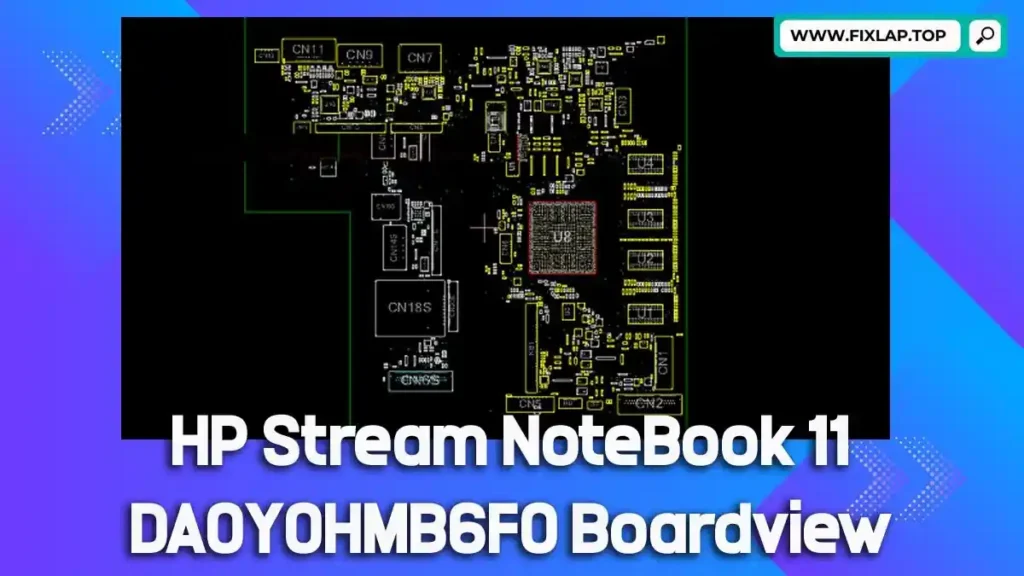
Download HP Stream Notebook 11 DA0Y0HMB6F0 Boardview File Free
Have a HP Stream Notebook 11 with a power issue, no display, or shorted motherboard? You’re in the right place. With the correct boardview file, diagnosing and repairing hardware faults becomes fast, accurate, and effective.
At FixLap, our mission is simple—repair more, waste less. We provide free, registration-free downloads for schematics and boardview files to empower technicians and DIY laptop repair enthusiasts.
What is a Boardview File?
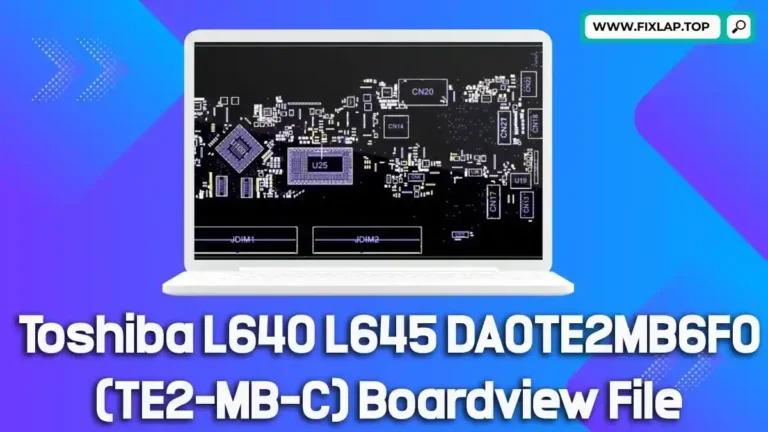
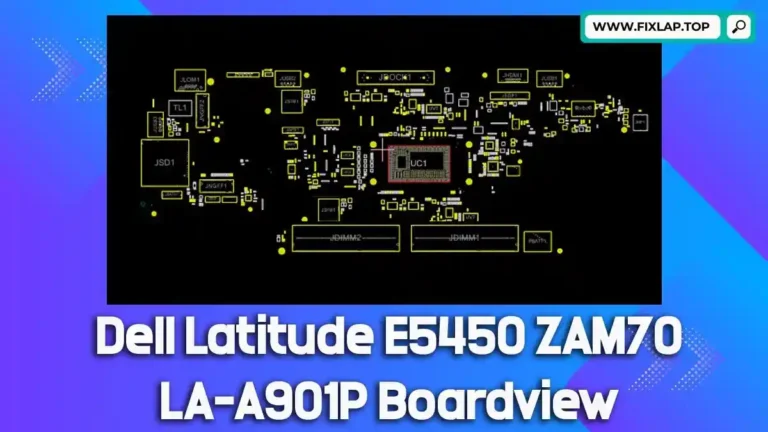
A boardview file is a technical diagram that displays the entire layout of a motherboard. It provides visual insight into:
- Components and IC locations
- Signal traces and test points
- Voltage rails and component references
With the right boardview file, technicians can:
- Trace faulty signals
- Identify bad capacitors or resistors
- Fix water damage and no power issues
Supported File Types and How to Open Them
Boardview files come in many formats, including:
.brd,.bdv,.fz,.asc,.cad,.gr,.f2b,.bv
🔧 You’ll need software to view them, such as:
- BoardViewer (Recommended)
- OpenBoardView (Free & open source)
Why Use Boardview and Schematics?
Troubleshooting laptops without boardview or schematic files is like finding a needle in a haystack. With them, you get:
- Faster fault identification
- Clear layout of motherboard connections
- A complete roadmap to component-level repair
They are essential for fixing:
- Charging issues
- Short circuits
- Dead motherboards
- No display/lights
Download HP Stream Notebook 11 DA0Y0HMB6F0 Boardview File
🎯 Model: HP Stream 11
🧾 Motherboard: DA0Y0HMB6F0
👉 Click here to Download Boardview File
How to Use This File
- Download the boardview file from the link above.
- Open it using BoardViewer or OpenBoardView.
- Zoom, trace, and inspect components on your HP Stream 11 motherboard.
Final Thoughts
With the HP Stream 11 DA0Y0HMB6F0 boardview file, your chances of successful board-level repair just got better. Save time, avoid guesswork, and bring your device back to life.