Download HP Envy 17-2000er Quanta SP9 DA0SP9MB8D0 Rev.D BoardView File Free
Facing issues with your HP Envy 17-2000er? Whether it’s power problems, dead motherboard, or hardware failure, the best way to troubleshoot is with a boardview file. For the Quanta SP9 DA0SP9MB8D0 Rev.D motherboard, having a boardview file can drastically speed up the repair process.
At FixLap, we’re committed to helping technicians and DIYers by providing essential repair files—completely free and without any registration.
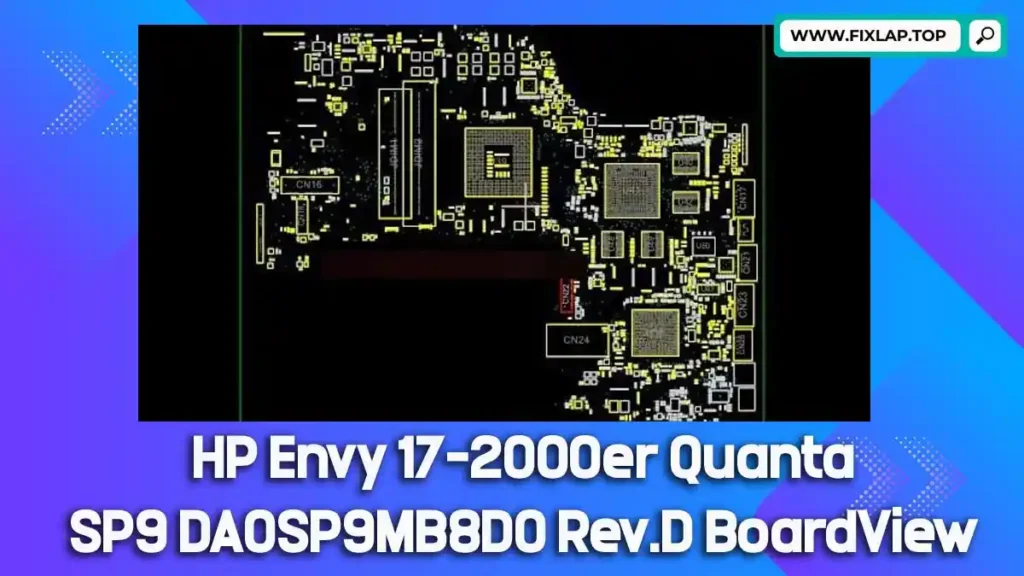
What is a BoardView File?
A boardview file is a schematic-style diagram that allows you to visualize the layout of the motherboard, including:
- ICs and resistors
- Signal pathways
- Test points
- Voltage lines
- Component values and identifiers
These files help you pinpoint faulty components and analyze board-level issues with precision.
Supported File Formats & Software
Boardview files may come in formats such as:
.brd,.bdv,.fz,.bv,.asc,.cad,.cst,.gr,.f2b
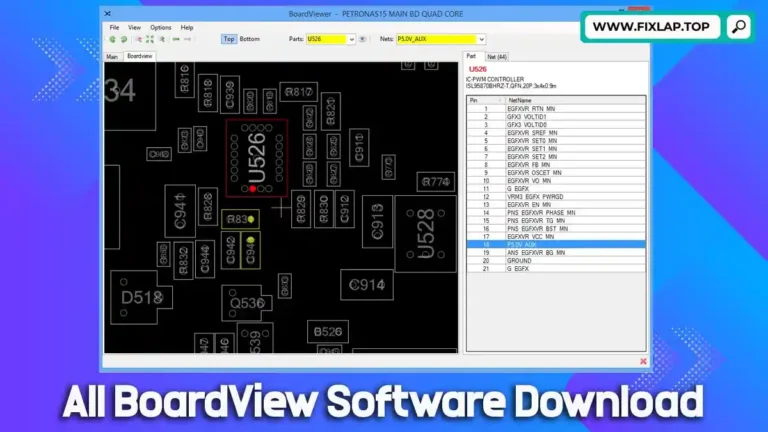
To open and inspect these files, use one of the following tools:
Why Use a BoardView File for Laptop Repair?
Troubleshooting laptop motherboards without schematics or boardview files can be extremely time-consuming and often inaccurate.
Using a boardview:
- Saves time by showing exact component placement
- Helps identify broken or burned elements
- Tracks signal paths and power flow
- Aids in diagnosing dead, shorted, or corroded areas
Perfect for fixing:
- No power issues
- Short circuits
- Dead charging ports
- Faulty CPU/GPU power delivery
📥 Download HP Envy 17 Quanta SP9 DA0SP9MB8D0 Rev.D BoardView File
You can download the boardview file for HP Envy 17-2000er (Quanta SP9 DA0SP9MB8D0 Rev.D) using the link below:
✅ No login required
✅ No file hosting delay
✅ Free for educational and repair use
🔗 Direct Download Link
👉 Click here to Download BoardView File
How to Use the File in 3 Easy Steps
- Download the boardview file from the link above.
- Install a compatible boardview viewer from our software download page.
- Load & Explore the board layout to identify and troubleshoot components on the motherboard.
Final Thoughts
Whether you’re a repair shop owner or a DIY enthusiast, having access to the HP Envy 17 Quanta SP9 DA0SP9MB8D0 Rev.D boardview file can make all the difference. Download now and bring your laptop back to life!