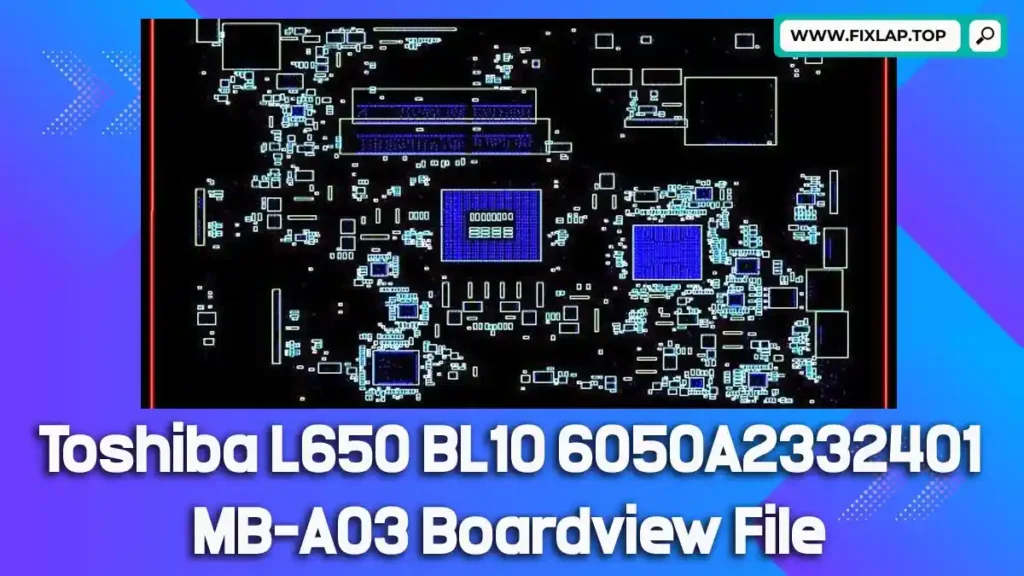
Download Toshiba L650 BL10 6050A2332401-MB-A03 Boardview File Free
If you’re facing issues like no display, dead motherboard, or unusual power behavior on your Toshiba Satellite L650 BL10, you’re not alone. Before investing in a costly motherboard replacement, consider using a boardview file to help diagnose and repair the fault yourself.
At FixLap, we believe in reducing electronic waste and supporting sustainable technology repair. That’s why we offer free boardview file downloads, including the Toshiba L650 6050A2332401-MB-A03, to empower technicians, students, and DIY users—no registration or payment needed.
What Is a Boardview File and Why Is It Important?
A boardview file is a detailed graphical representation of a motherboard’s physical layout. It helps technicians identify and trace connections, test points, and components like resistors, capacitors, MOSFETs, and ICs.
🔍 Key Boardview File Extensions:
.brd,.bdv,.fz,.bv.asc,.cad,.gr,.cst,.f2b
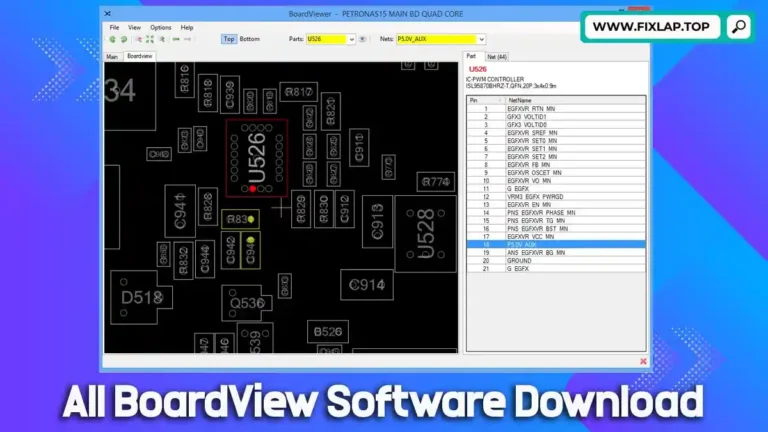
These files can’t be opened with typical PDF readers. You’ll need dedicated BoardViewer software, such as:
Why Use Boardview & Schematics in Laptop Repair?
Without schematics or boardviews, troubleshooting a faulty motherboard becomes guesswork. These tools are like Google Maps for technicians—they point you exactly where the problem might be.
🛠 Boardview Files Help You:
- Locate and test faulty components
- Trace signal and power paths
- Identify short circuits and broken connections
- Save time and improve repair accuracy
Download Toshiba L650 BL10 Boardview File
We’re making it easy for you to get started with your repair.
📁 Model: Toshiba Satellite L650 BL10
🖥 Motherboard: 6050A2332401-MB-A03
🔗 Direct Download:👉 Click Here to Download
How to Open and Use the Boardview File
Here’s a simple step-by-step guide to help you get started:
1. Download the file using the link above.
2. Install compatible BoardViewer software.
3. Launch the program and open the downloaded file.
4. Use the viewer to:
- Search component codes (e.g., PU401, PQ601)
- Identify signal lines and test points
- Verify connectivity and voltages on the board
Related Boardview Downloads
Looking for boardviews for other models? Check out these popular posts:
- 📘 Toshiba PT10S UMA MB REV:2.1 Boardview
- 💻 Dell Latitude E6540 LA-9411P Boardview File
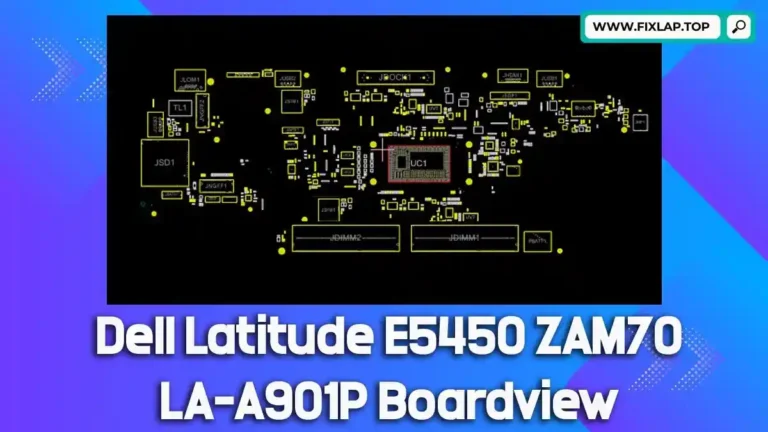
- 🖥️ Dell Latitude E5450 ZAM70 LA-A901P Boardview File
Conclusion
Don’t replace your laptop when you can repair it smarter. Use our free Toshiba L650 BL10 6050A2332401-MB-A03 boardview file to guide your diagnosis and fix the issue like a pro.