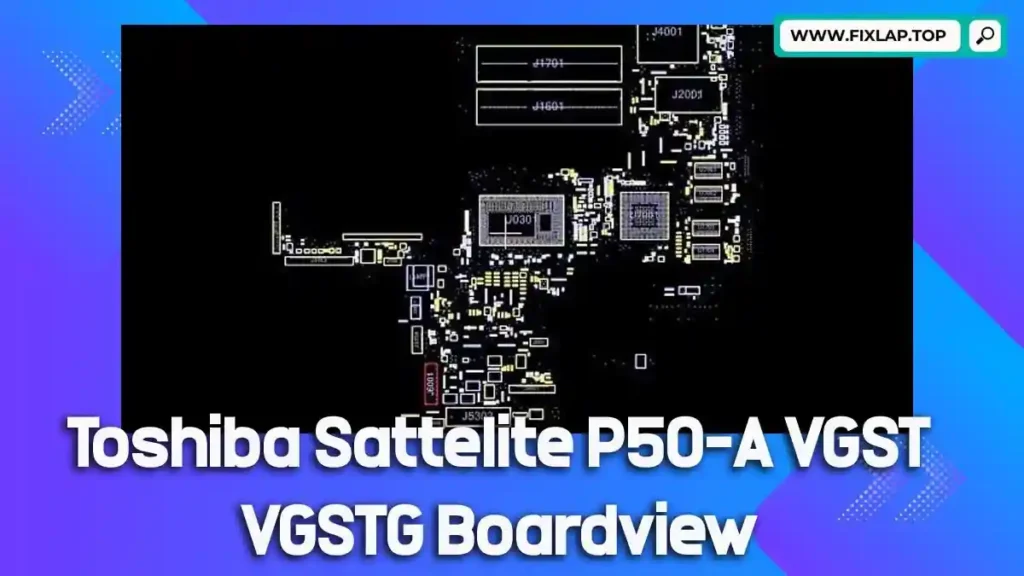
Download Toshiba Satellite P50-A VGST VGSTG Boardview File Free
When your Toshiba Satellite P50-A VGST VGSTG laptop fails, don’t rush to replace the entire motherboard. Instead, take a smarter, eco-friendly approach by diagnosing and repairing the board using a free boardview file.
We’re committed to reducing electronic waste and empowering repair professionals. That’s why we’re offering the Toshiba P50-A boardview file absolutely free – no registration, no paywalls, and no hassle.
What is a Boardview File?
A boardview file is a visual map of the motherboard that highlights component placements, signal paths, test points, and more. Unlike a schematic file, which shows how components are connected, the boardview shows where everything is physically located.
Common Boardview File Extensions:
.brd.bdv.fz.cad.asc.cst.gr.f2b.bv
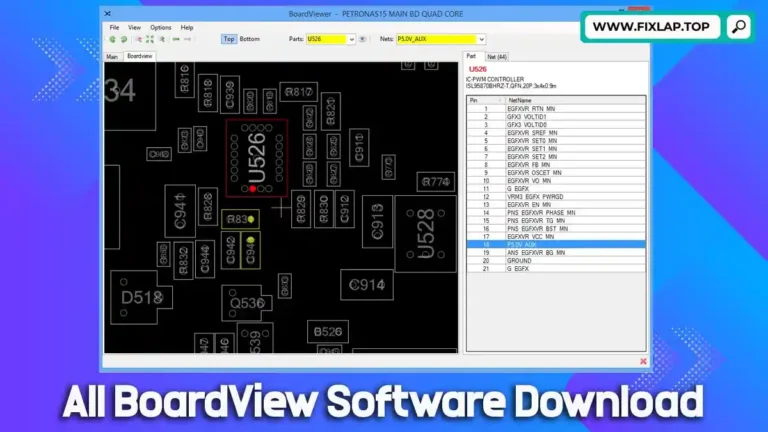
Boardview files must be opened with compatible software, often referred to as BoardViewer.
Why Technicians Use Boardview and Schematic Files
Troubleshooting a laptop motherboard without proper tools can be like finding a needle in a haystack. That’s where boardview and schematic files become essential.
Key Benefits:
- Quickly locate components like ICs, resistors, capacitors
- Identify test points for signal tracing
- Diagnose power issues and short circuits
- Understand the physical layout of layers and traces
- Save time and improve repair accuracy
Whether it’s water damage, no power, or overheating, these files help streamline the repair process and increase success rates.
Download Toshiba Satellite P50-A VGST VGSTG Boardview File
We’re offering free access to the Toshiba P50-A VGST VGSTG boardview file to support independent technicians and reduce landfill waste.
📁 File Name: TOSHIBA_Satellite_P50-A_VGST_VGSTG_Boardview
🔗 Direct Download Link:
Click to Download Boardview File
How to Open and Use the Boardview File
To view the boardview file and begin diagnosing your motherboard, follow these simple steps:
Step-by-Step Instructions:
- Download the boardview file from the link above.
- Install compatible BoardViewer software like:
- OpenBoardView (free, open source)
- BoardViewer++
- BVR Viewer
- Load the file into the software.
- Zoom in and navigate to the damaged or problematic area.
- Trace signals and locate faulty components with precision.
Our Mission: Fix More, Waste Less
We believe in reviving electronics instead of discarding them. Every laptop you repair reduces electronic waste and supports a more sustainable future. By offering free repair files, we aim to:
- Support technicians, students, and hobbyists
- Help save money on expensive motherboard replacements
- Promote a DIY repair culture
- Reduce environmental impact
🔗 Related Boardview File Downloads
Looking for other boardview files? Check out these resources:
- 📘 Download Toshiba PT10S UMA MB REV:2.1 Boardview
- 💻 Dell Latitude E6540 LA-9411P Boardview File
- 🖥️ Dell Latitude E5450 ZAM70 LA-A901P Boardview File
Explore even more free motherboard schematics and boardview files on our main website: FixLap.top
Conclusion
Repairing your Toshiba Satellite P50-A VGST VGSTG doesn’t have to be costly or complicated. With the right boardview file and the right tools, you can troubleshoot like a pro and bring your device back to life.